
How Aspect Ratios Impact Your Image Pricing
Published on Tháng 1 19, 2026 by Admin
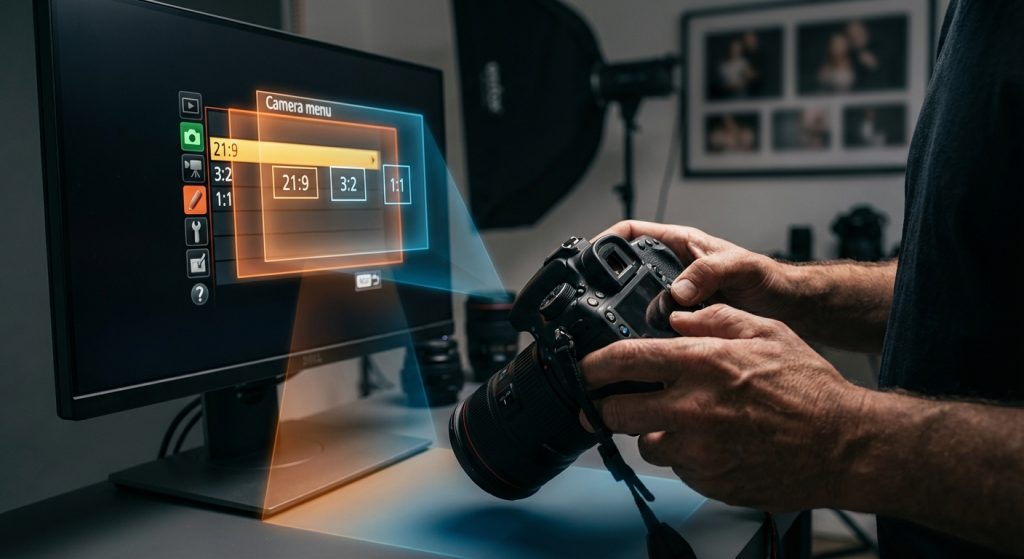
As a visual editor, you constantly make decisions about image composition and framing. However, have you considered how an image’s shape directly affects its cost? The aspect ratio, which is the proportional relationship between an image’s width and height, is more than just a creative choice. In fact, it has significant financial implications across printing, stock photography, and AI image generation. Understanding this impact is crucial for managing budgets effectively.
Ultimately, a strategic approach to aspect ratios can lead to substantial savings. This guide explores how different ratios influence pricing in various contexts. Consequently, you can make more informed decisions that balance artistic vision with financial reality.
What Exactly Is an Image Aspect Ratio?
Firstly, let’s define the term simply. An image aspect ratio describes its shape. It’s a comparison of the width to the height, expressed as two numbers separated by a colon. For instance, a perfectly square image has a 1:1 aspect ratio. This means its width and height are identical.
Different formats use different standard ratios. Here are a few common examples:
- 1:1 (Square): Popular on social media platforms like Instagram.
- 4:3 (Standard): Traditional for TV screens and computer monitors.
- 3:2 (Photography): The standard for 35mm film and many DSLR cameras.
- 16:9 (Widescreen): The universal standard for modern TVs, videos, and web banners.
While these are common, ratios can be anything. For example, a super-wide panoramic photo might have a 3:1 or even 4:1 aspect ratio. This flexibility is great for creativity but can introduce cost complexities.
The Direct Link Between Aspect Ratio and Print Costs
One of the most direct ways aspect ratios affect price is in the world of physical prints. Printing companies base their pricing on standard material sizes. Therefore, deviating from these standards almost always results in higher costs.
Standard vs. Custom Sizes
Paper, canvas, and photo materials are produced in large, standard-sized rolls or sheets. As a result, print shops have optimized their workflows around common dimensions like 8×10 inches, 16×20 inches, or 24×36 inches. You might notice that these sizes don’t all share the same aspect ratio. An 8×10 has a 5:4 ratio, while a 24×36 has a 3:2 ratio.
When you order a print that fits one of these standard sizes, the process is efficient. However, if you request a custom size, like a 10×20-inch panoramic, it introduces inefficiency.
Material Waste Equals Higher Prices
The core issue with custom ratios is material waste. Imagine a print shop uses a 24-inch wide roll of photo paper. If you order a 20×24 print (a 5:6 ratio), they can cut it with minimal waste. But if you order a 12×24 print (a 2:1 ratio), they use the full 24-inch width but only 12 inches of length. The remaining 12×24 piece of paper might be unusable for another job.
Because the business has to account for this wasted material, they pass that cost on to you. The custom cut also requires more manual setup and handling. Consequently, the price for a custom-ratio print is often significantly higher than a standard-sized print, even if the total square footage is smaller.
How Stock Photography Platforms Price by Ratio
In the digital realm, you might think aspect ratios are irrelevant to cost. However, stock photography websites often structure their pricing in ways that are influenced by an image’s shape and composition. This is especially true for premium or specialized content.
The “Standard” Image Default
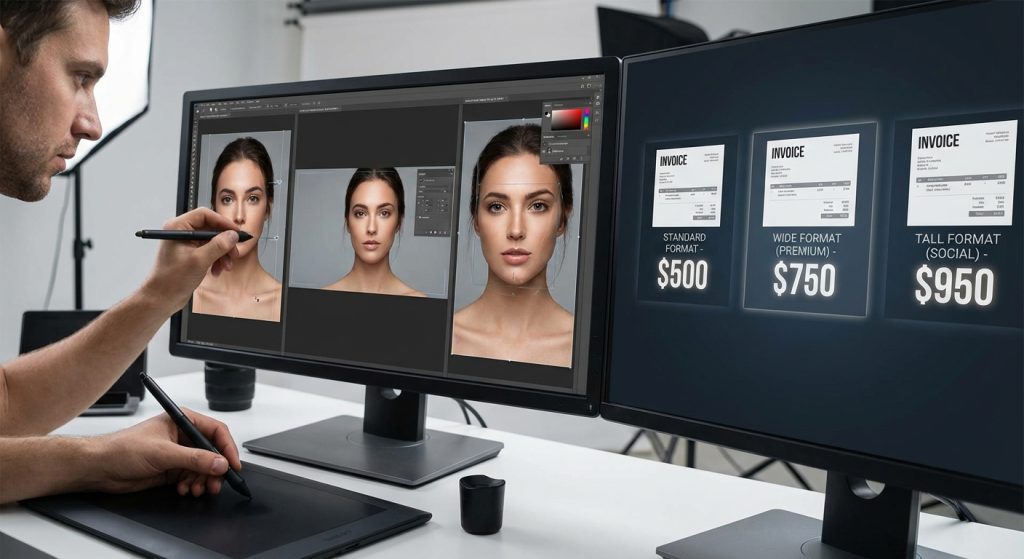
Most stock photo platforms sell images based on resolution (e.g., small, medium, large). The default images you see are typically in standard photographic ratios like 3:2 or 4:3. These are the most versatile and commonly used formats, so they form the baseline for pricing.
For most general purposes, these standard ratios work perfectly fine. They can be cropped to fit various needs without much trouble. However, when you need something more specific, the pricing model can change.
Panoramic and Vertical Formats as Premiums
Specialty formats, such as ultra-wide panoramas or tall, narrow vertical shots, are often considered premium assets. There are a few reasons for this. Firstly, creating a high-quality panoramic image often requires more skill, specialized equipment, or stitching multiple photos together. This increases the creator’s effort.
Secondly, these formats serve a niche market. They are perfect for specific uses like wide web headers or thin vertical banners. Because the demand is lower but the need is specific, platforms can sometimes charge more. In essence, you are paying for the unique composition that perfectly fits your design without awkward cropping.
The New Frontier: AI Image Generation Costs
The rise of AI image generators has introduced a new and direct link between aspect ratio and cost. Most AI art platforms operate on a credit or token-based system. Your choices, including aspect ratio, directly influence how many credits you spend.
Pixel Count and Processing Power
At its core, generating an AI image requires immense computational power. The cost is directly tied to the amount of processing required. A major factor in this calculation is the total number of pixels in the image.
For example, generating a square 1024×1024 pixel image (1:1 ratio) involves calculating 1,048,576 pixels. However, if you want a widescreen 1792×1024 pixel image (16:9 ratio), the AI has to generate 1,835,008 pixels. That’s over 75% more pixels. As a result, the widescreen image will consume more processing time and, therefore, more of your credits.
How Ratios Affect Token Consumption
Different platforms handle this differently, but the principle is the same. Some may have a fixed cost per generation regardless of ratio, but they limit the maximum dimensions. Others, like Midjourney or Stable Diffusion services, have costs that scale with image size. Choosing a wider or taller aspect ratio at the same general height or width will increase the total pixel count and thus the cost. Learning to slash AI image costs often starts with understanding how a simple ratio change impacts your token usage.
This makes it critical to generate images as close to your final desired shape as possible. Generating a large 16:9 image only to crop it into a square is incredibly wasteful.
Upscaling and Aspect Ratios
Moreover, aspect ratio plays a role in post-generation processes like upscaling. While most modern upscalers can handle various ratios, some are optimized for standard shapes. Upscaling a very unusual panoramic or vertical image can sometimes lead to unexpected artifacts or require more advanced tools. Exploring efficient AI upscaling methods can help mitigate these challenges, but it’s another factor to consider in your workflow’s overall cost and time investment.
Practical Tips for Visual Editors to Manage Costs
By being mindful of aspect ratios, you can proactively control your visual content budget. Here are some practical tips:
- Plan for the Final Output: Before creating or sourcing an image, know its final destination. If it’s for a YouTube thumbnail, work in a 16:9 ratio from the start. If it’s for a print ad, use the exact ratio specified by the publisher.
- Stick to Standard Print Ratios: Whenever possible, design for standard print sizes. This will give you the most options and the best pricing. If a custom ratio is unavoidable, budget accordingly.
- Generate AI Images Intelligently: Don’t waste AI credits. Generate images in the aspect ratio you actually need. Avoid creating oversized images that you plan to crop heavily later.
- Understand Your Tool’s Pricing: Read the fine print on your stock photo site or AI generation platform. Know exactly how they charge for different sizes and ratios so there are no surprises.
Conclusion: A Strategic Approach to Aspect Ratios
In conclusion, the aspect ratio of an image is far more than a simple aesthetic choice. It is a fundamental factor that directly influences cost across multiple stages of a visual workflow. From the material waste in printing to premium tiers on stock photo sites and the direct compute costs of AI generation, the shape of your image matters to your bottom line.
Therefore, by adopting a strategic approach and considering the aspect ratio from the very beginning of a project, visual editors can prevent unnecessary expenses. This foresight ensures that you can achieve your creative vision without breaking the budget. Ultimately, smart planning turns a technical detail into a powerful cost-saving tool.
Frequently Asked Questions (FAQ)
Does a 1:1 ratio always cost less than a 16:9 ratio in AI?
Not necessarily, as it depends on the total pixel count. For example, a 1024×1024 (1:1) image has about 1 million pixels. A small 16:9 image at 896×512 has only about 450,000 pixels and would therefore cost less. Cost is tied to total pixels, and aspect ratio is just one factor in that calculation.
Why do printers charge more for custom aspect ratios?
Printers charge more for two main reasons. First, custom ratios often lead to more material waste, as they don’t fit efficiently onto standard-sized paper or canvas rolls. The cost of this wasted material is passed to the customer. Second, custom jobs require more manual setup and handling, which increases labor costs.
How can I calculate the cost difference for AI images with different ratios?
The best way is to check your specific AI platform’s pricing guide. Many platforms, like Midjourney, provide documentation on how different parameters, including aspect ratio (–ar), affect credit consumption. As a general rule, you can calculate the total pixels (width x height) for each ratio to get a rough idea of the relative cost difference.
