
Predictive Tokens: The Future of Seamless AI Video UX
Published on Tháng 1 25, 2026 by Admin

Why Traditional Loading Fails AI Video
Traditional video streaming has been perfected over decades. For instance, platforms like YouTube or Netflix pre-buffer large chunks of a video file. Because the entire video already exists on a server, this method is highly effective. The player simply downloads the next few seconds of a static file.Generative AI video, on the other hand, is fundamentally different. The video does not exist until a user requests it. The AI model creates it in real-time, one “token” at a time. A token is a small piece of data representing a part of a frame or sound. Consequently, the user must wait for each piece to be generated and sent, leading to noticeable lag. This process is inherently slow and creates a poor user experience.
The Problem of Generative Latency
The core issue is the gap between generation speed and user expectation. Users are accustomed to instant playback. When they encounter a loading bar for an AI video, the magic of the technology fades. Therefore, designers must find ways to mask or eliminate this latency.This is not just a technical problem; it is a design problem. The interface must account for this delay. However, the best interface is often no interface at all. Predictive loading helps us achieve that goal.
Introducing Predictive Token Loading
Predictive token loading is a sophisticated technique to combat AI video latency. Instead of waiting for the user’s next action or the natural progression of the video, the system anticipates what will come next. It then proactively generates and loads the tokens for those predicted future frames.Think of it like a GPS predicting your route. It doesn’t just know the next turn; it has already calculated several turns ahead. Similarly, the AI predicts the most probable sequences of video frames. As a result, when the user reaches that point in the video, the content is already loaded and ready to play instantly.
How Does It Work?
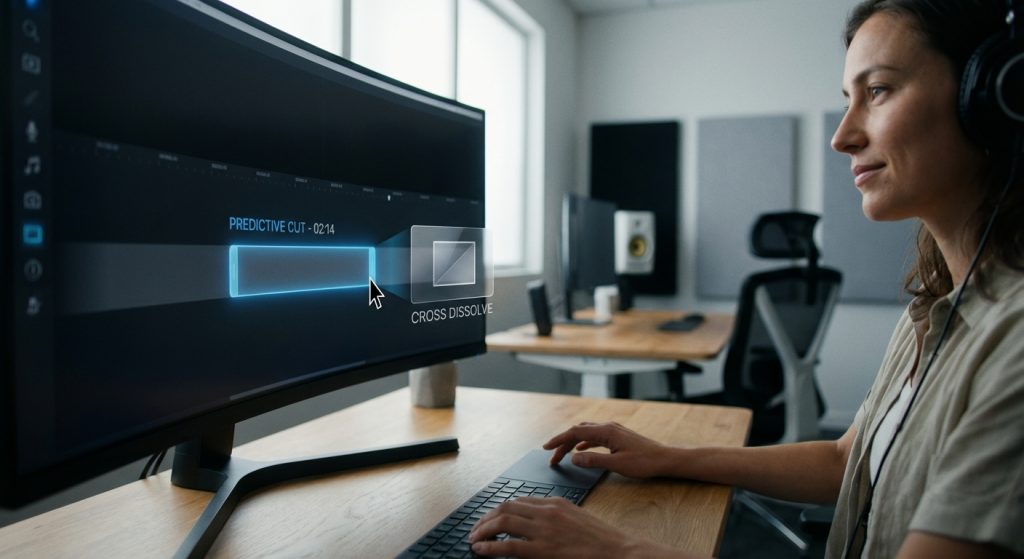
The process relies on sophisticated AI models. Firstly, the system analyzes the initial prompt and the first few generated frames. Based on this context, a predictive algorithm determines several likely paths the video could take. For example, if a video shows a ball rolling towards a wall, the AI predicts the most likely outcome is the ball hitting the wall and bouncing off.It then begins generating the tokens for that high-probability outcome in the background. If the prediction is correct, the transition is seamless. The user never experiences a pause. This method transforms a linear, slow process into a parallel, fast one. In addition, this approach is a core component in the broader effort to slash AI lag in modern media systems.
The Core Benefit: Eliminating Perceived Latency
For UI/UX designers, the most significant advantage is the elimination of perceived latency. The user feels like the video is playing instantly, even though it’s being generated on the fly. This creates a sense of responsiveness and magic that is crucial for engaging AI applications.This technique is about managing user perception. The actual generation time might not change dramatically. However, because the loading happens proactively in the background, the user’s experience is one of uninterrupted flow.
Designing for a Predictive Future: UX Implications
Predictive token loading isn’t just a backend optimization. It fundamentally changes what’s possible on the front end. Therefore, UI/UX designers need to adapt their thinking and embrace new design patterns.We are moving from designing around limitations (loading spinners, progress bars) to designing for new opportunities (instant interactivity, branching narratives). This shift requires a close collaboration between designers and engineers.
Rethinking Player Interfaces
With predictive loading, the classic buffering spinner could become a relic of the past. So, what replaces it? The goal is to create an interface that communicates system status without causing anxiety.Here are some design considerations:
- Subtle Cues: Instead of a disruptive spinner, use subtle animations or soft pulses to indicate that the AI is thinking ahead. These should be non-intrusive.
- Confidence Indicators: The UI could subtly reflect the AI’s prediction confidence. For instance, a slightly blurred or stylized future path could indicate one of several possibilities.
- Interactive Previews: Allow users to glimpse or even influence the predicted paths, turning a passive viewing experience into an active one.
Enabling New Interactive Possibilities
Predictive loading opens the door to truly interactive AI video. Because the system is already exploring future possibilities, we can present those choices to the user. Imagine a story where you can choose the character’s next action, and the video branches instantly without any lag.This creates a new paradigm for storytelling and user engagement. Designers can create experiences that are co-created by the user and the AI in real time. For example, a user could guide a character through a maze, with the AI predictively rendering the paths ahead. This relies on a robust understanding of AI frame prediction and how token buffers create these advantages.
Managing Prediction Errors Gracefully
Of course, predictions are not always correct. The AI might pre-load a sequence that the user or the story logic deviates from. How the UI handles these errors is a critical design challenge. A jarring jump or a sudden pause can ruin the experience.Designers must work with engineers to create graceful recovery strategies. This could involve a quick, stylized transition or a momentary slowdown that feels intentional rather than like a technical glitch. The key is to maintain the user’s immersion and trust in the system.
Frequently Asked Questions
Is predictive token loading the same as video caching?
No, they are different. Caching stores parts of a pre-existing, static video file. Predictive loading, however, involves generating new, never-before-seen video content based on predictions of what will come next. It is a generative process, not a storage-retrieval process.
Does this technology use more processing power?
Yes, it can. The system uses compute resources to generate speculative future frames. However, this is a strategic trade-off. The goal is to exchange background processing for a dramatically improved foreground user experience, eliminating frustrating wait times.
How can designers prepare for this technology?
Firstly, start thinking about user flows that don’t rely on traditional loading states. Secondly, brainstorm new interactive video concepts that leverage real-time branching. Finally, begin conversations with development teams about latency and perceived performance in AI features.
What is the most important takeaway for a UI/UX designer?
The most important takeaway is to shift your mindset from designing around technical limitations to designing for new creative possibilities. Predictive loading removes the “waiting” problem, allowing you to focus on creating more dynamic, engaging, and immersive AI-driven experiences.
